

Acer USB 2.0 Dock Unboxing
A 4-yuan Acer USB 2.0 dock, made for when a laptop doesn't have enough USB ports. The packaging even includes a box—almost suspiciously conscientious. All plastic but compact, diligently connecting mouse and keyboard; after a month of use it only supplied power without transferring data. After-sales replaced it with a new one, so it was still worth the price.
目录4 个章节
Preface
Let's unbox this 4-yuan dock from JD self-operated.
This was bought on 2026-06-20. After last time's unboxing of that USB 3.0 dock, this time I switched to USB 2.0.
Because laptops typically have 3 USB-A ports, one of which is USB 2.0, used for connecting the 2.4g receivers of the mouse and keyboard, but one isn't enough, so I bought this dock.
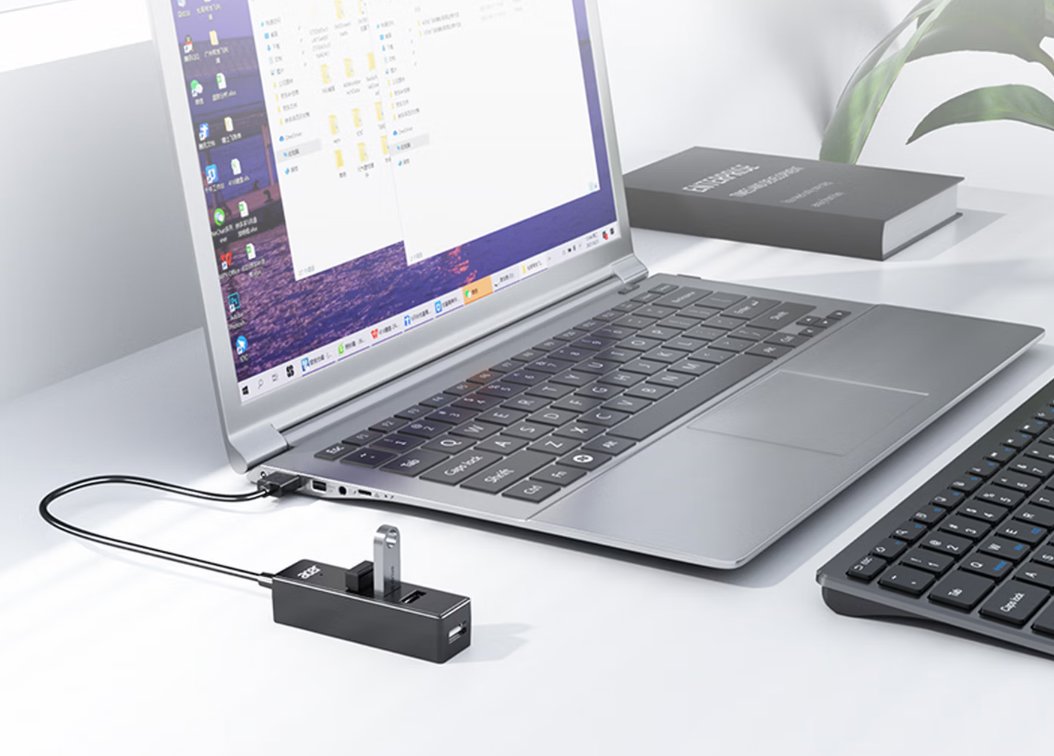
PS: This model has already been taken down; I originally wanted to check the current price 😂
Packaging
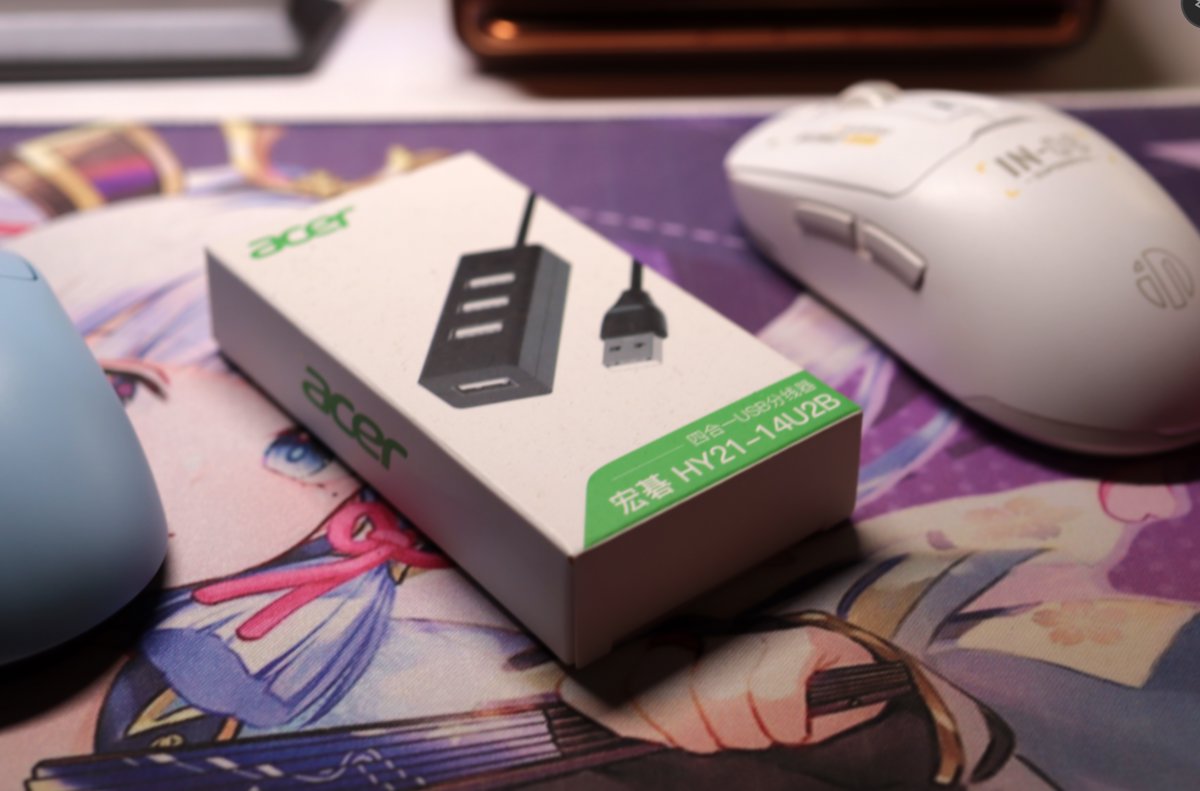
It even comes with a box—how conscientious!
The Unit
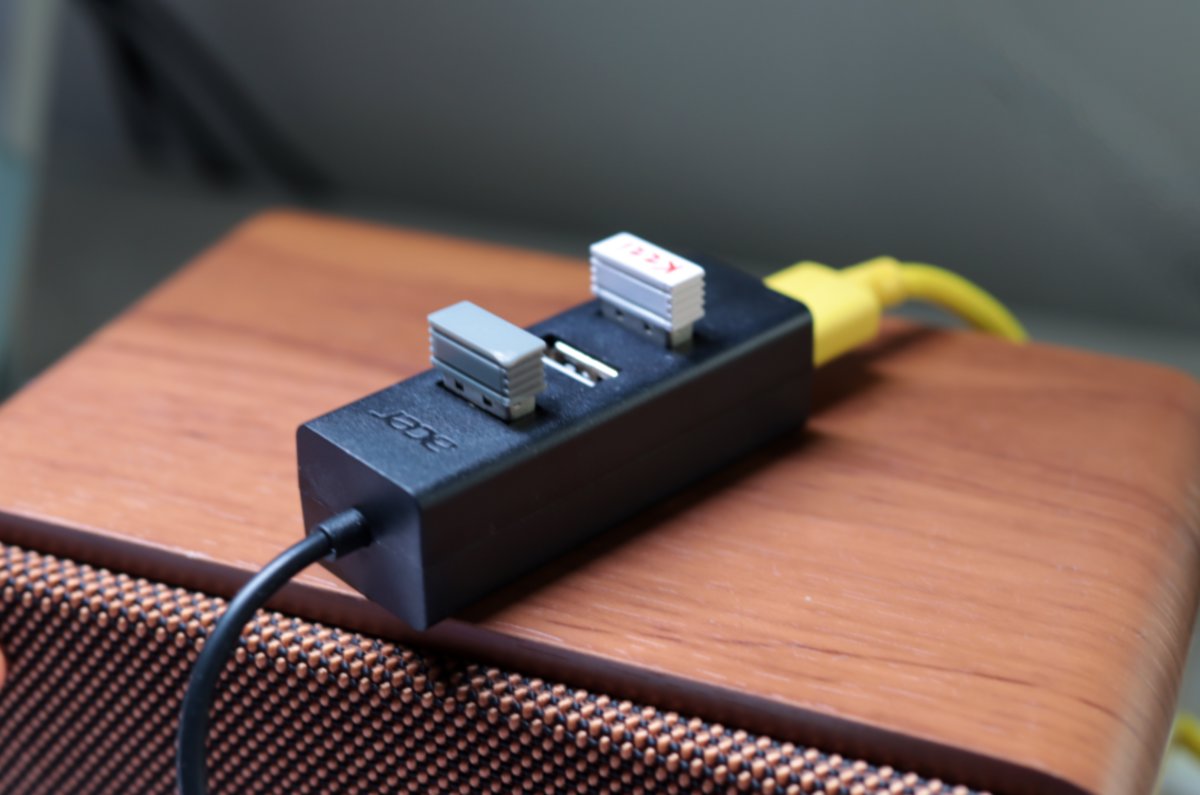
Looking like it's working diligently.
It's also all plastic, but fairly compact, so it still looks rather refined.
A Small Episode
Last month this dock broke: it had power, but data couldn't be transferred. I applied for after-sales on 2026-08-11, and they replaced it with a new one.
Worth it, haha~
_EOF_
Acer USB 2.0 Dock Unboxing
- 本文作者:
- 程序设计实验室
- 版权声明:
- 本博客所有文章除特别声明外,均采用 BY-NC-SA 许可协议。转载请注明出处!
相关文章
川宇 USB3.0 拓展坞开箱
老台式机没有 Type-C?那就用川宇 USB3.0 拓展坞凑合,鼠标键盘接收器照样工作。11元买到还能接受,涨到20元后,塑料质感也突然显得更诚实了。
2026-09-08 · 拓展坞 · 约 1 分钟
开箱俩Type-C拓展坞
买了俩Type-C拓展坞,绿联便宜接口少不敢充,联想高价接口全值了。MacBook窗口管理逊色,划屏操作烦人。
2026-09-08 · 拓展坞 · 约 1 分钟
绿联USB3.0拓展坞开箱
之前家里用的USB拓展坞是USB2.0的好像 这次我就没带过来 于是张罗着买个USB3.0以上的新拓展坞来用 看了下3.0和3.2价格差距有点多,只是用来插鼠标和键盘适配器的话,似乎不需要那么高的速度,所以入手了绿联3.0的拓展坞
2026-09-08 · 拓展坞 · 约 1 分钟
忘记WSL的root密码怎么办
解决方法 首先,打开WSL是不需要输入密码的,如果你打开WSL时的默认用户不是root,请按照一下方式修改。 修改默认登录WSL用户 以管理员权限启动Powershell lxrun /setdefaultuser root 此时重新打开WSL就是root用户了,并且不需要密码。 然后输入以下命令修改密码。 passwd root About 了解更多有趣的操作请关注我的微信公众号:DealiA
2021-12-18 · Windows · 约 1 分钟
讨论
共 0 条加载评论中…