

First time using a 65% layout, RK-R65 keyboard unboxing
RK-R65 keyboard, decent-looking, weighing 712g, which is just acceptable. The smoke green switches feel good, and the mahjong-like clicks are pleasant to the ear, but it lacks F1-F12 keys, the arrow keys have no spacing, making positioning difficult. The driver is strange, the arrow key functions are hardcoded, and fn2+ doesn't work, hmm. Trying to adapt to the 65% layout to see if I can get used to it.
目录11 个章节
Preface
Recently, wasn't I looking for a portable keyboard to pair with my laptop?
So I got two low-profile keyboards, but I realized I just couldn't get used to the feel.
As I mentioned in that unboxing post of the Red Dragon TL84, I decided to turn my attention back to regular mechanical keyboards.
75% layout keyboards might be a bit heavier, so this time I planned to try a 65% layout.
The RK-S75 I bought last time left a good impression.
I happened to see that the RK-R65 looks quite nice, and its weight of 712g is also acceptable, so I just went ahead and bought it.
This weight is about the same as my first low-profile keyboard, the AK832pro from Epomaker, which was around 700g.
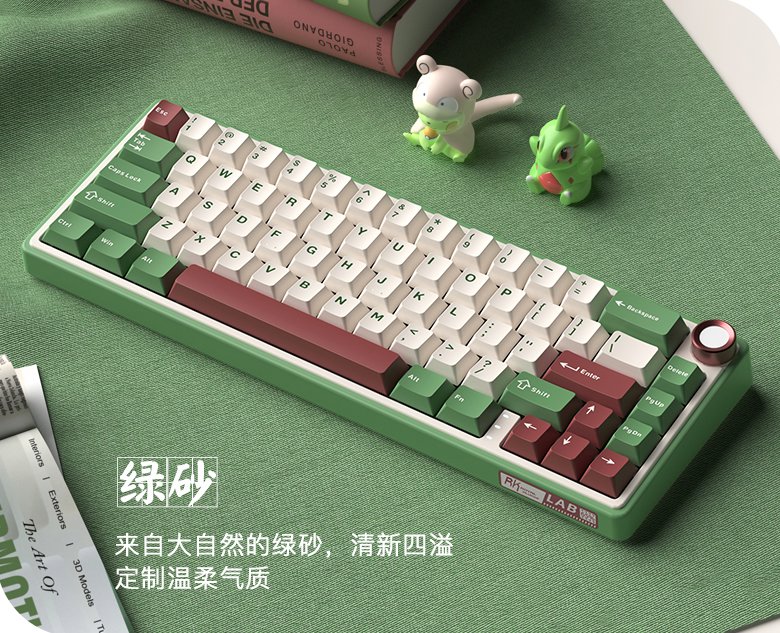
Stole a photo from the official site
Official site address: https://www.rkgaming.com/product/41/
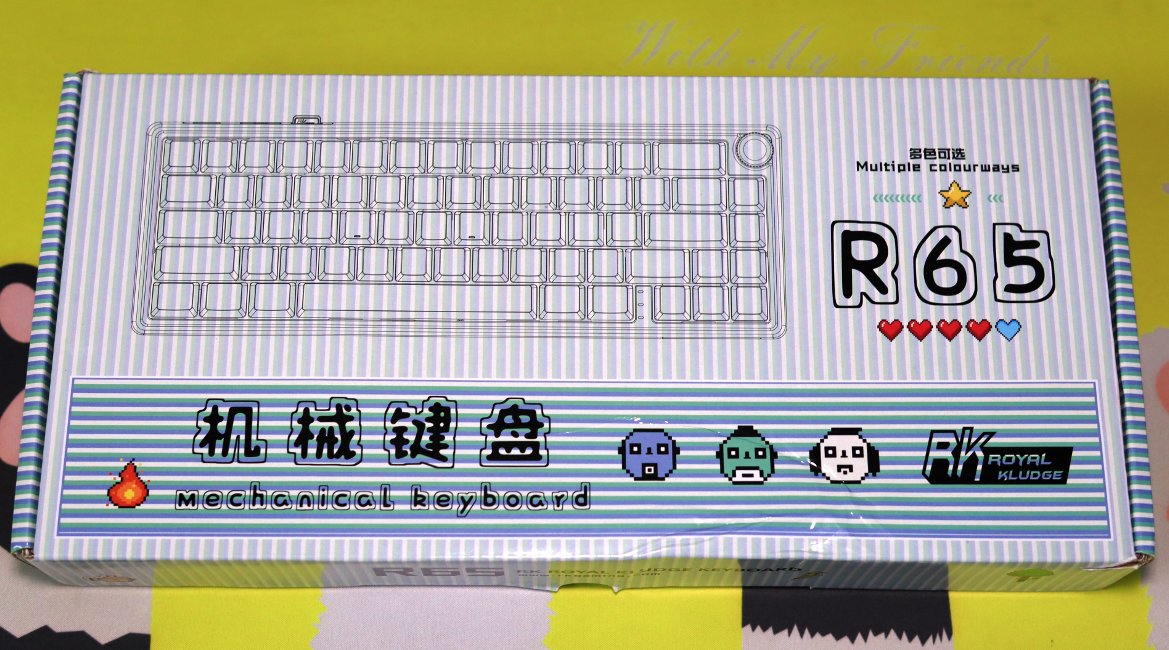
Packaging
Continues RK's minimalist packaging design
The cover is actually quite cute
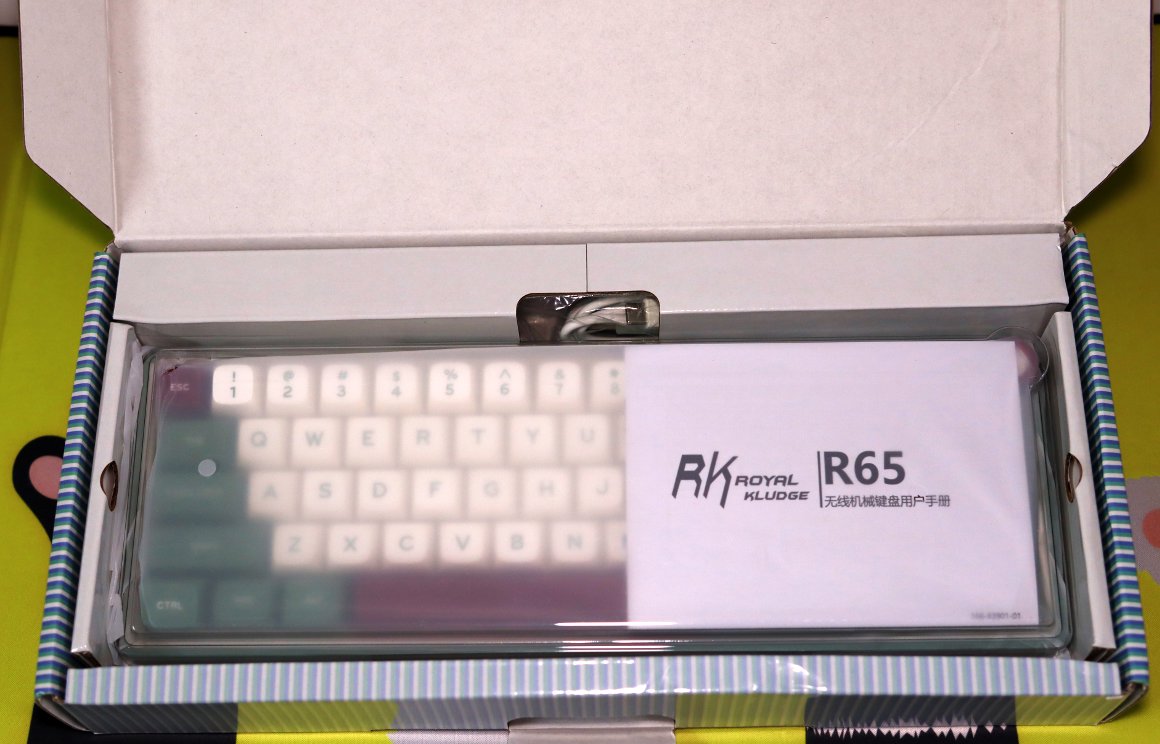
Unboxing
Unboxing, simple and straightforward content
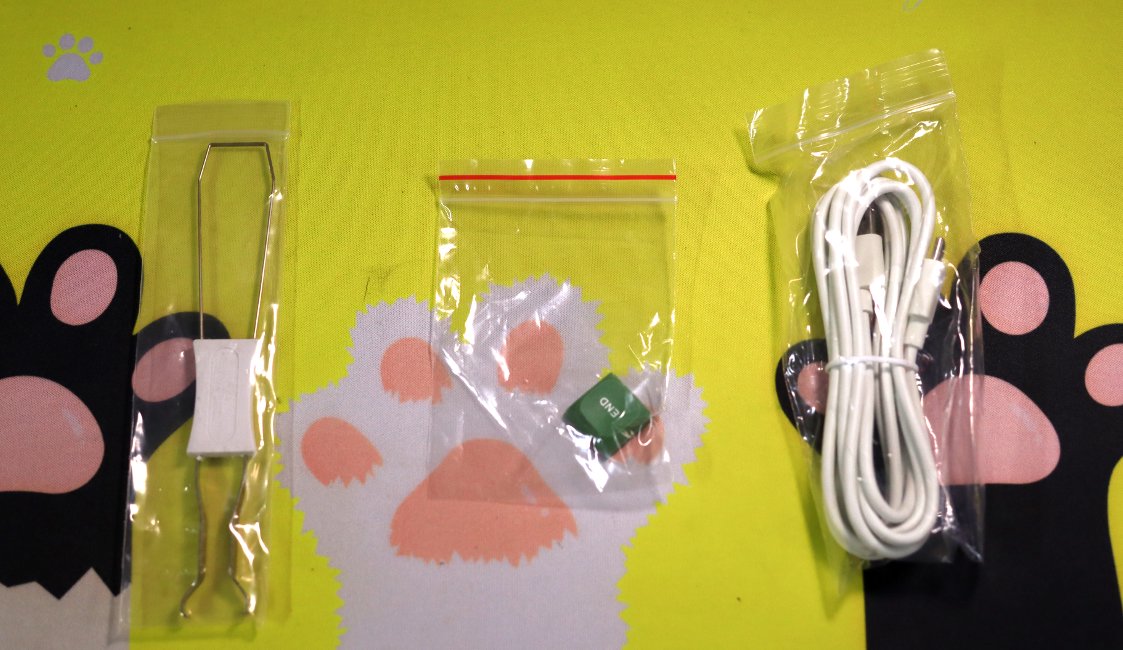
Accessories
Standard two-piece set: keycap puller + data cable
Plus one keycap
PS: Wait, why is there only an End key? Where's the Home key❓
Keyboard Body
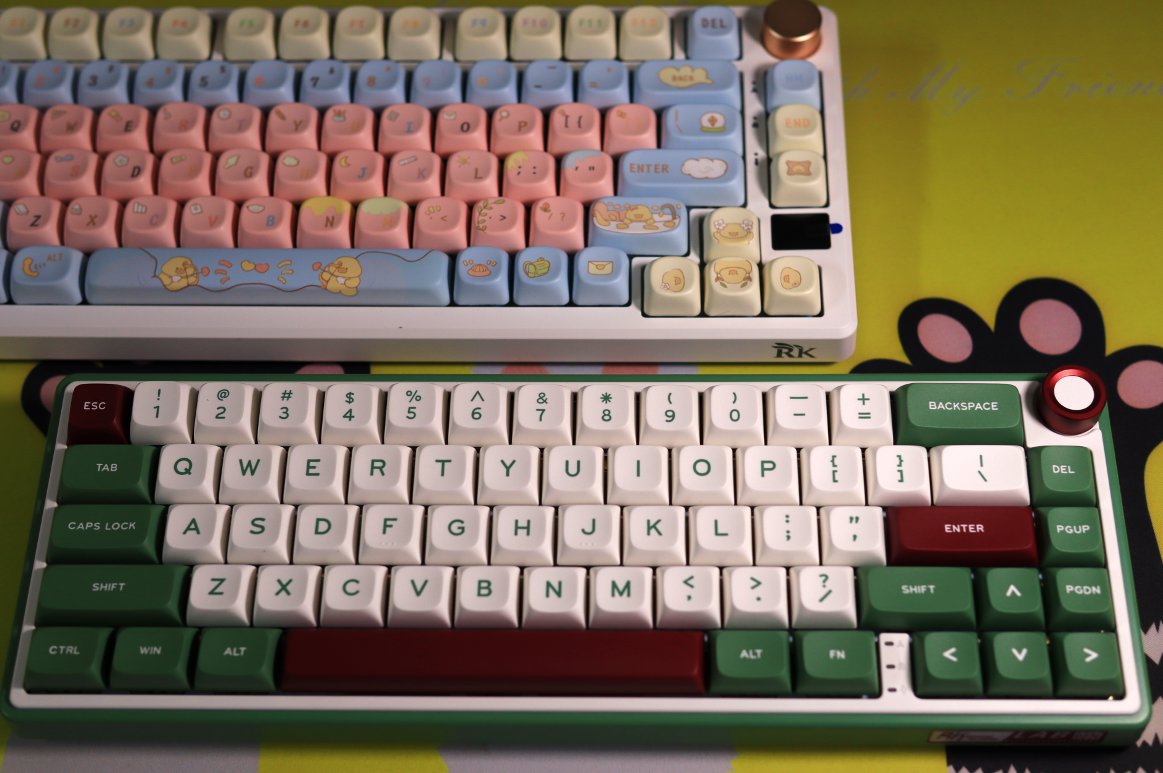
The top one is my RK-S75 (I changed the keycaps myself).
Below is the keyboard for this review, there's also an ice cream-themed one. It looks nice, but it's too pink for me, so in the end, I chose this model.
There is a noticeable color difference from the promotional images; personally, I feel the color is darker than what was shown in the ads.
Knob
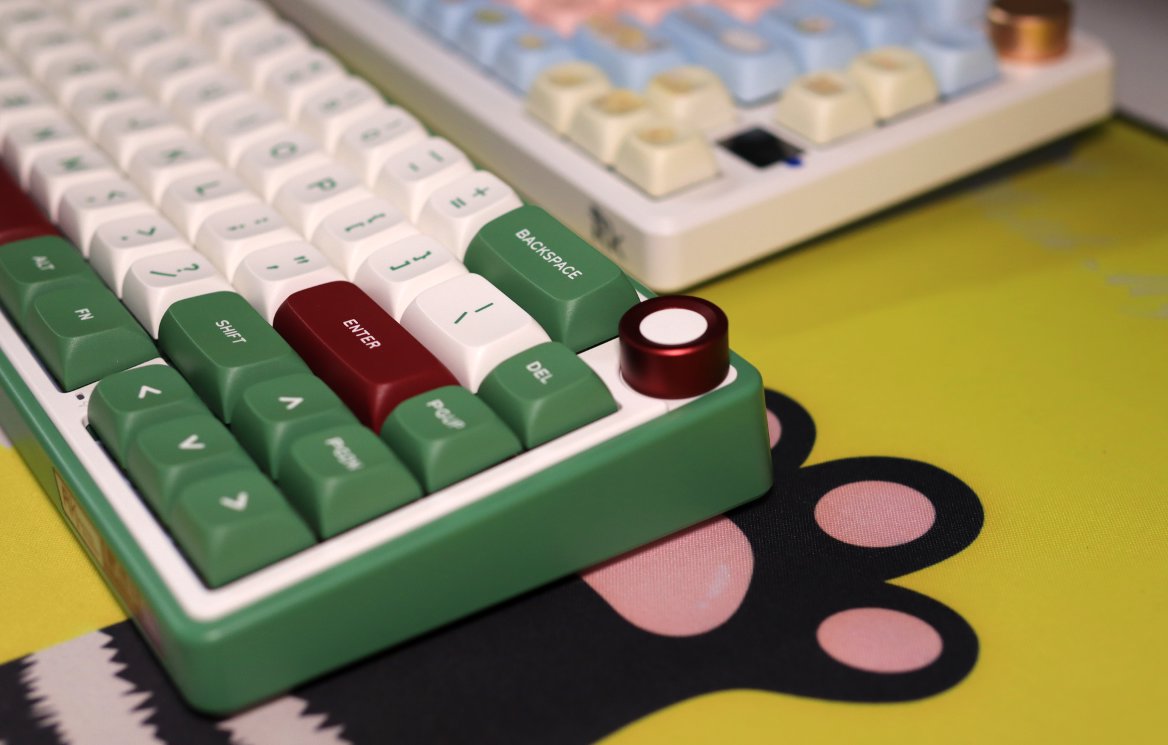
Don't forget the beloved knob!
The knob on this keyboard also works well, with one detent adjusting volume by 2 steps.
Interface
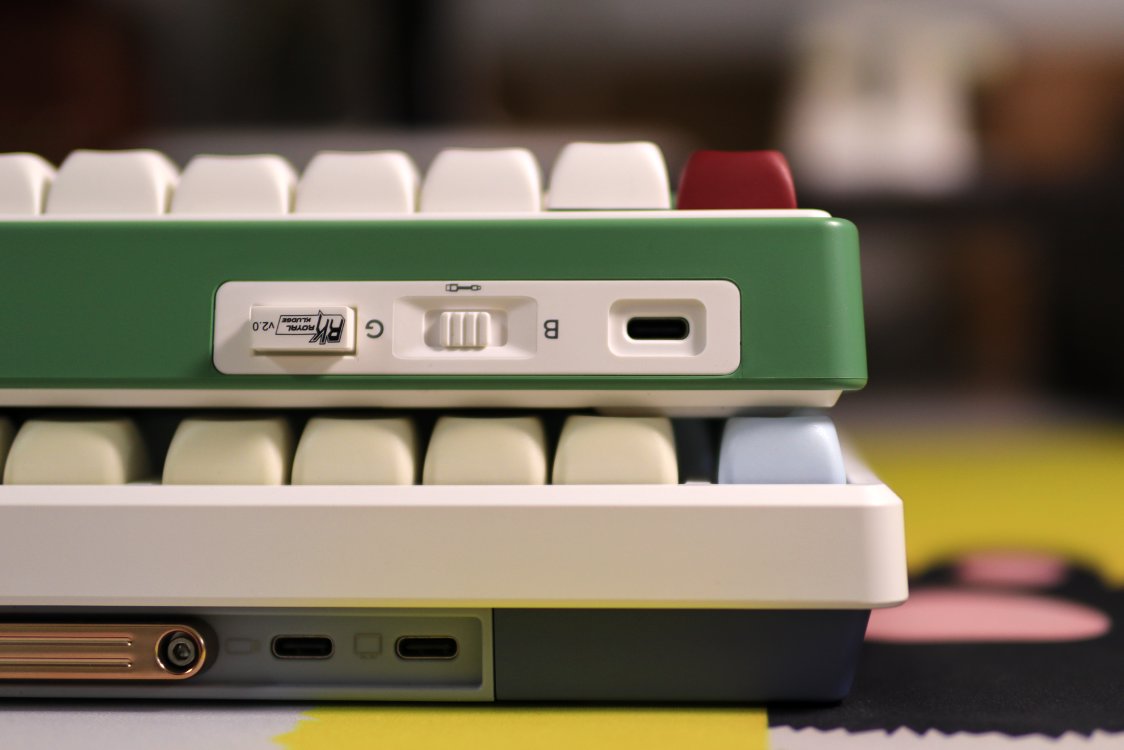
Has one fewer expansion interface than the RK-S75
Bottom
There is an RK brand label on the bottom of this keyboard.
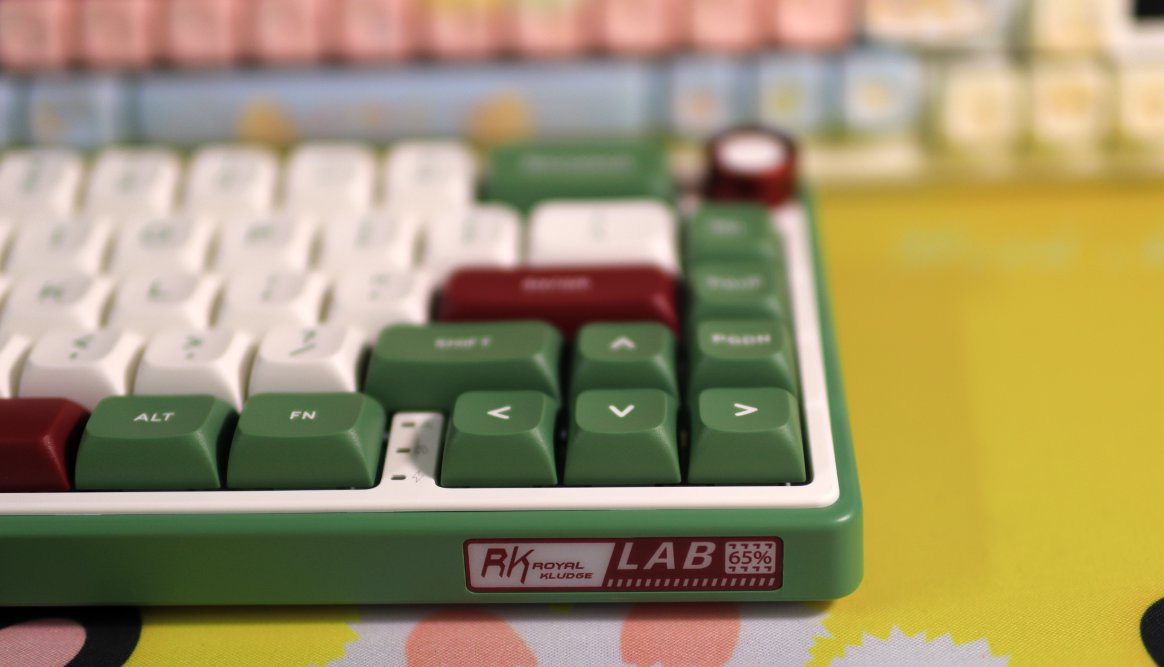
I forgot to take a photo of the back. Like the RK-S75, it is very simple, with a metal brand label in the center.
Switch
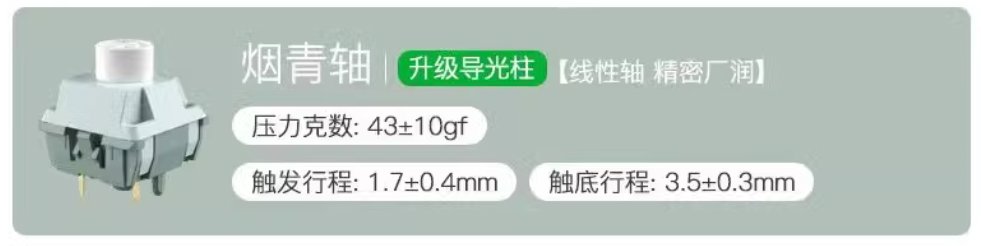
I have the Smoke Cyan Switch (烟青轴), which feels excellent to use.
The Mahjong-like sound is very pleasant to the ear.
Usage Experience
Currently, this article is being typed using this new keyboard.
It feels great to use.
This 65% layout keyboard has 66 keys.
It's my first time using this layout, and without the F1-F12 function keys, it's definitely not something I'm used to.
The biggest adjustment is that there's no gap between the arrow keys on the right side and the other keys.
My previous keyboards all had spaces around the arrow keys, which made it easy for me to locate them.
This is really hard to get accustomed to.
Also, the driver is a bit strange. There is a dedicated driver for this specific model on the official website.
Since there isn't a driver available for my previous RK-S75 keyboard, I'm using the universal driver.
I tried it, and the universal driver also seems to allow modifying the keyboard's configuration.
These two drivers look different based on their installation packages, but I haven't noticed any difference in functionality.
Another thing: Although it supports dual-layer FN keys, the arrow keys seem to be hardcoded. It's frustrating enough that I can't modify the function of fn + arrow keys.
But the most infuriating part is that even setting fn2 + arrow keys doesn't work!
Well, that's about it. I'll try using the 65% layout for a while and see if I can get used to it. (The feel is really excellent👍)
_EOF_
First time using a 65% layout, RK-R65 keyboard unboxing
- 本文作者:
- 程序设计实验室
- 版权声明:
- 本博客所有文章除特别声明外,均采用 BY-NC-SA 许可协议。转载请注明出处!
相关文章
Noppoo-C75Pro键盘开箱
一次有点坑的购物体验
2025-10-28 · 键盘 · 约 1 分钟
65配列键盘真是让人又爱又恨啊…… 再次入手 RK-R65
又买RK R65?为颜值手感买单,结果驱动依旧拉胯。FN+方向键自定义呢?官网新旧混卖,国内只给旧款?
2025-10-28 · 键盘 · 约 1 分钟
复古风格键盘,雷神ZERO75开箱
雷神ZERO75复古键盘,轻便786克配4000mAh电池,旋钮侧置还行。但PC键帽易沾指纹,接口内凹兼容性差,后续换PBT。带屏幕版贵200,离谱!
2025-10-28 · 键盘 · 约 1 分钟
沾染了年轻人不能碰的二次元?初音未来键帽开箱
又一套二次元键帽?初音未来是吧,真别致。雷神ZERO75配这套,效果还行,就是手感硬得离谱。换个角度看看?灯光效果倒是不错,半透明挺炫。
2025-10-28 · 键盘 · 约 1 分钟
讨论
共 0 条加载评论中…