

Unboxing a Transparent 2.5-Inch HDD Enclosure: Finding a Nice Home for an Old SSD from My Student Days
Bought a transparent HDD enclosure for 16.5 yuan, and my old SSD finally has a new home. The plastic shell looks pretty cool, but it was ruined as soon as the film came off. Opening it was like brute-force cracking—what a design.
目录14 个章节
Preface
Hello everyone, I'm Xiyuan.
This time I'm bringing you a very "practical but inexpensive" unboxing: a transparent 2.5-inch HDD enclosure.
My old SSD has been gathering dust, so I figured I'd find it a new home and, while I'm at it, check how it's holding up after all these years.
The HDD enclosure in this article costs ¥16.50
Packaging
Shot at night, the fill lighting isn't great—just make do with it.
Back
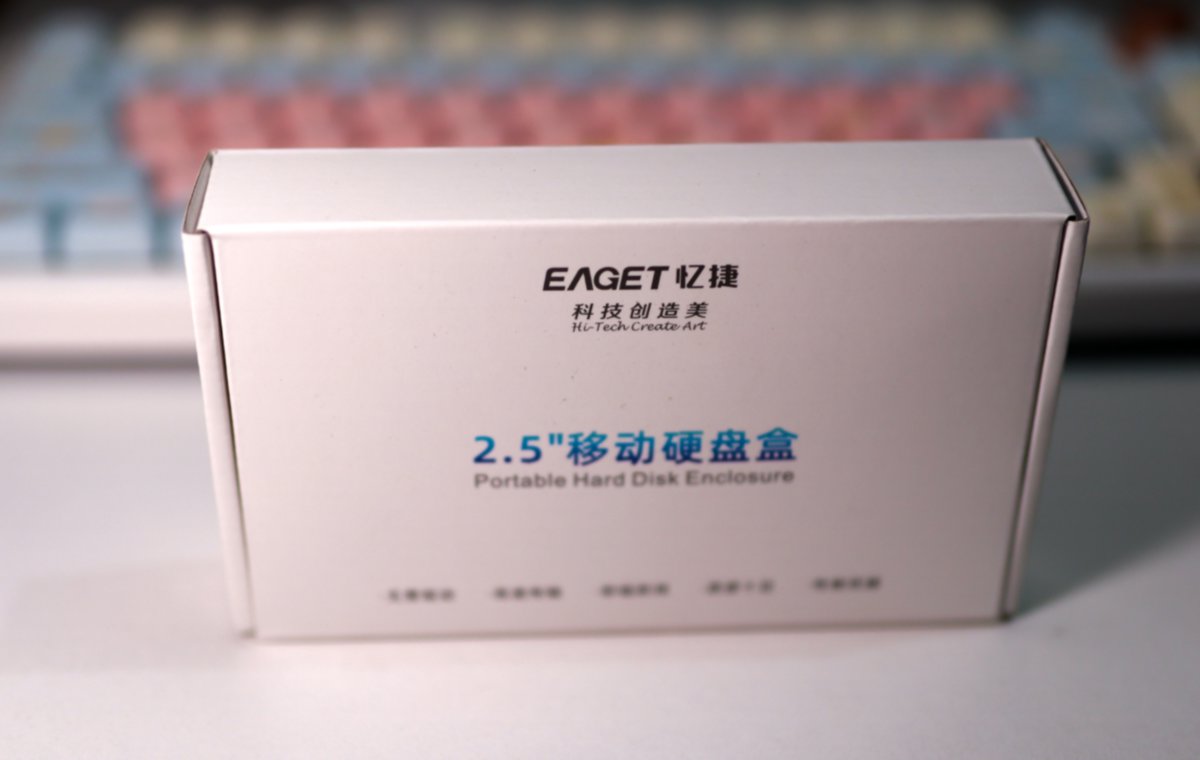
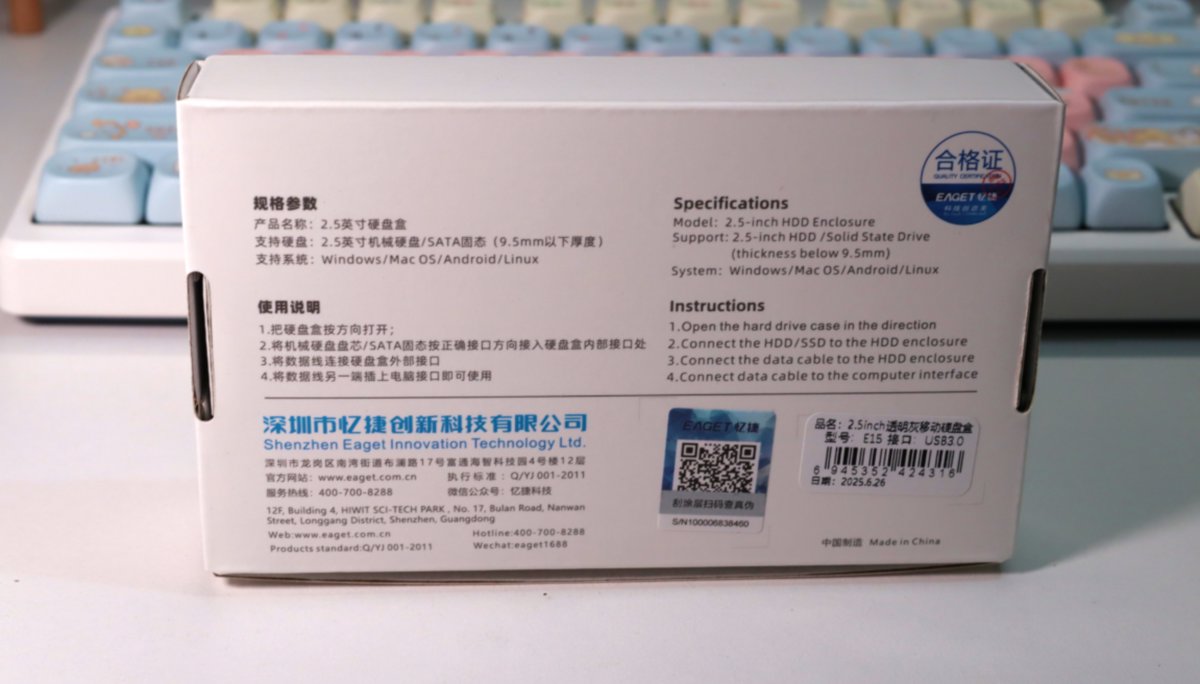
Unboxing
This packaging box is pretty crude, but at this price, what more could you ask for
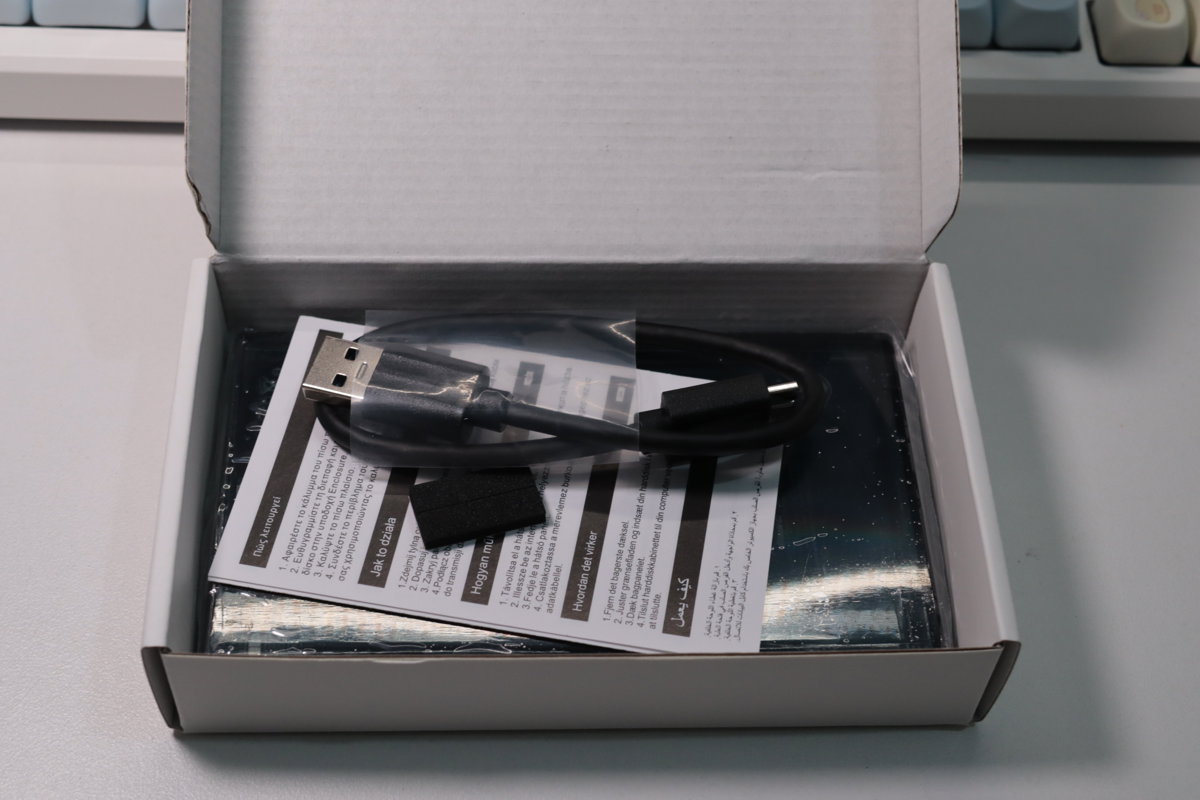
Accessories
The accessories are a manual and a data cable, that's it
(The keyboard in the background is the RK-S75 Keyboard I introduced before—a familiar face 😄)
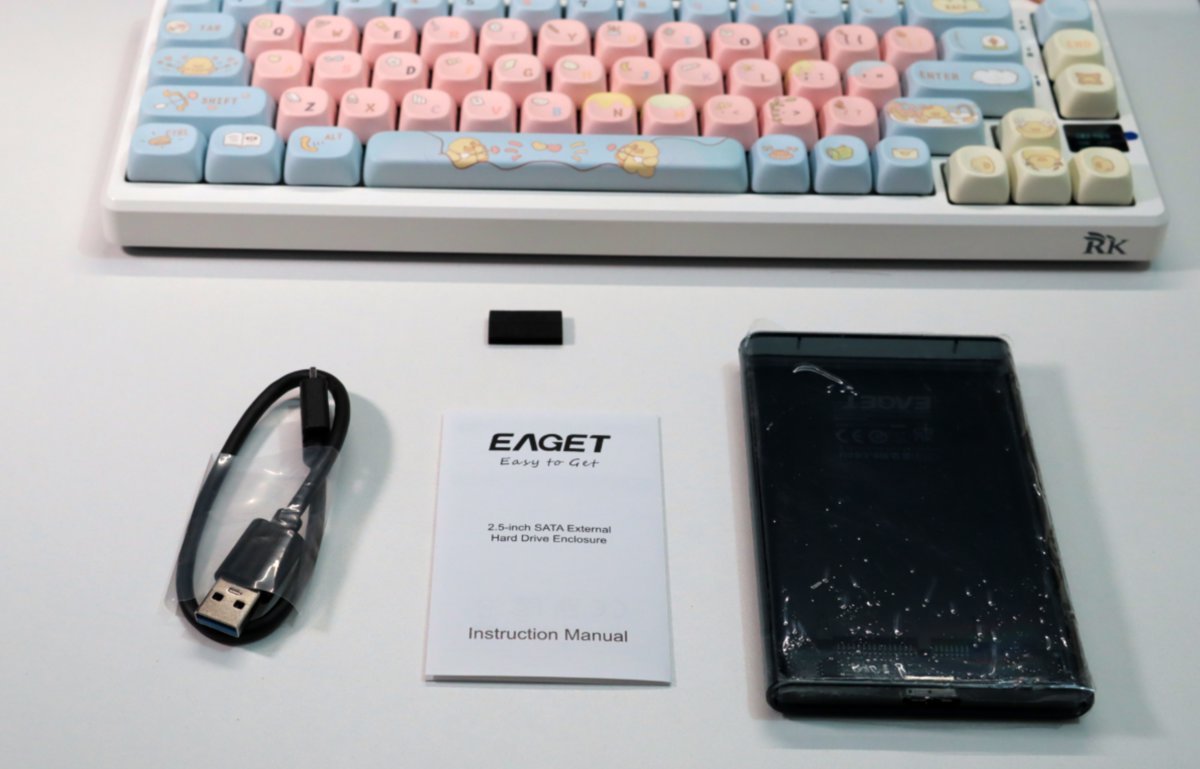
The Unit
The enclosure is made of transparent plastic. I specifically bought this model
so you can see the drive installed inside. It somehow feels like it's got a bit of a digital vibe.
There's a protective film on the shell to prevent the plastic from getting scratched. Looks like this thing scratches pretty easily 🌚
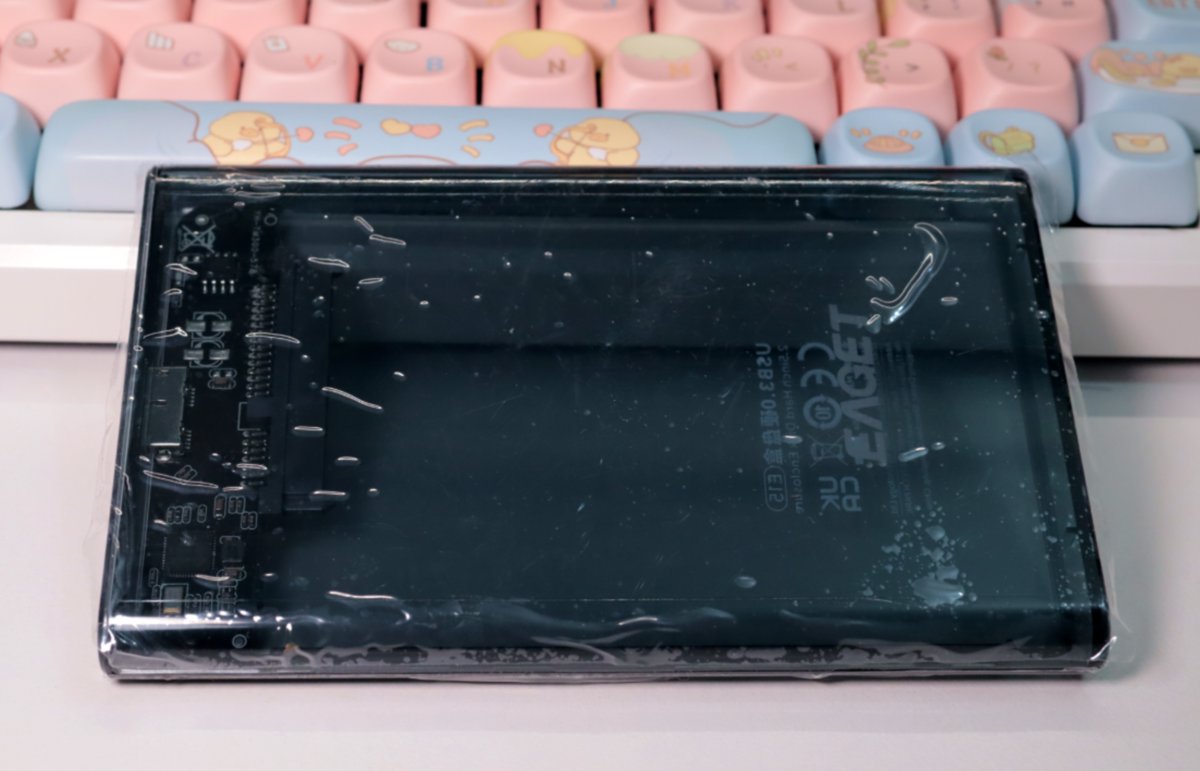
Standing it up

Removing the Protective Film
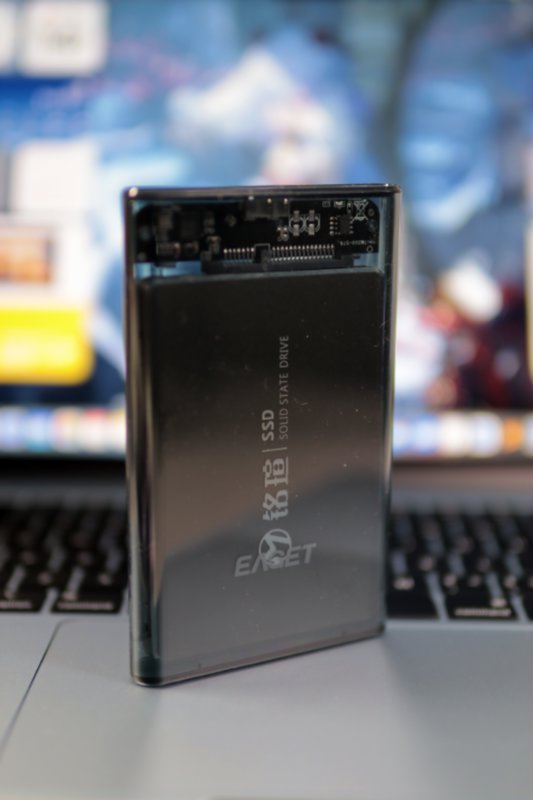
It still looks pretty good after removing the protective film
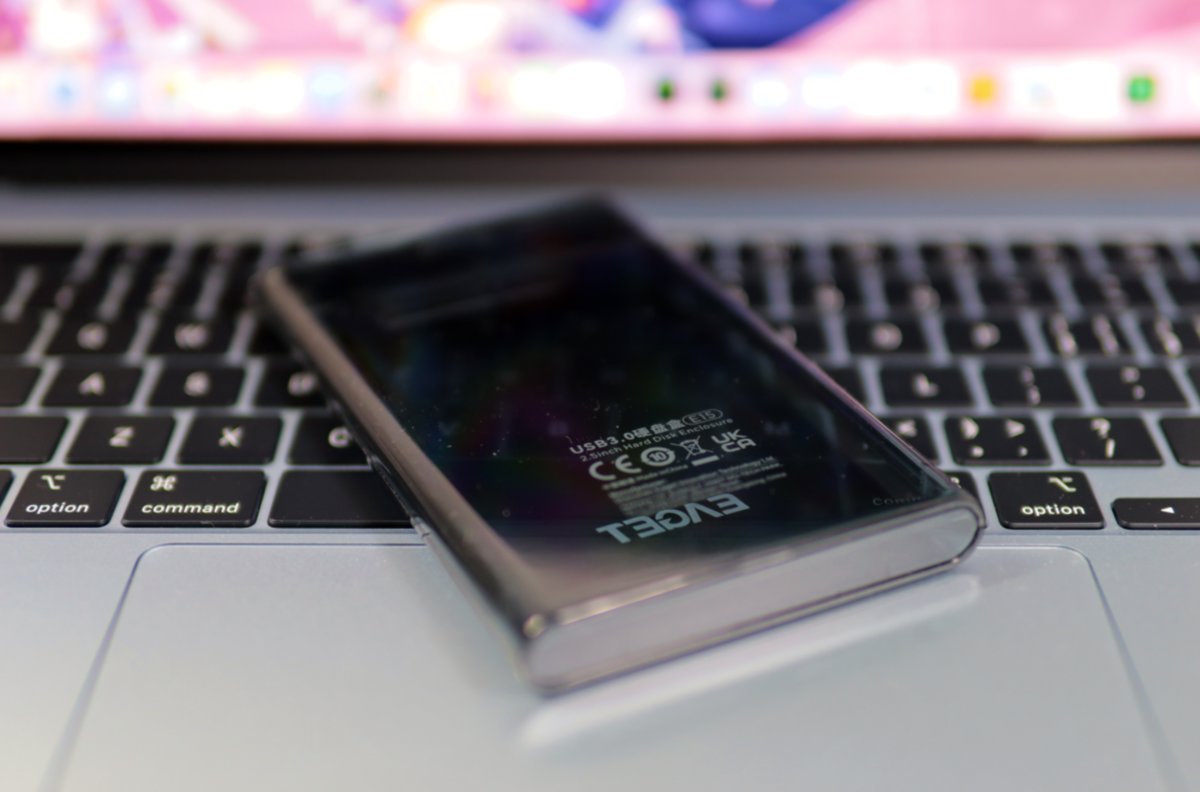
Let's see it standing up

Installing the Drive
Next, time to install the drive
The Drive Makes Its Appearance
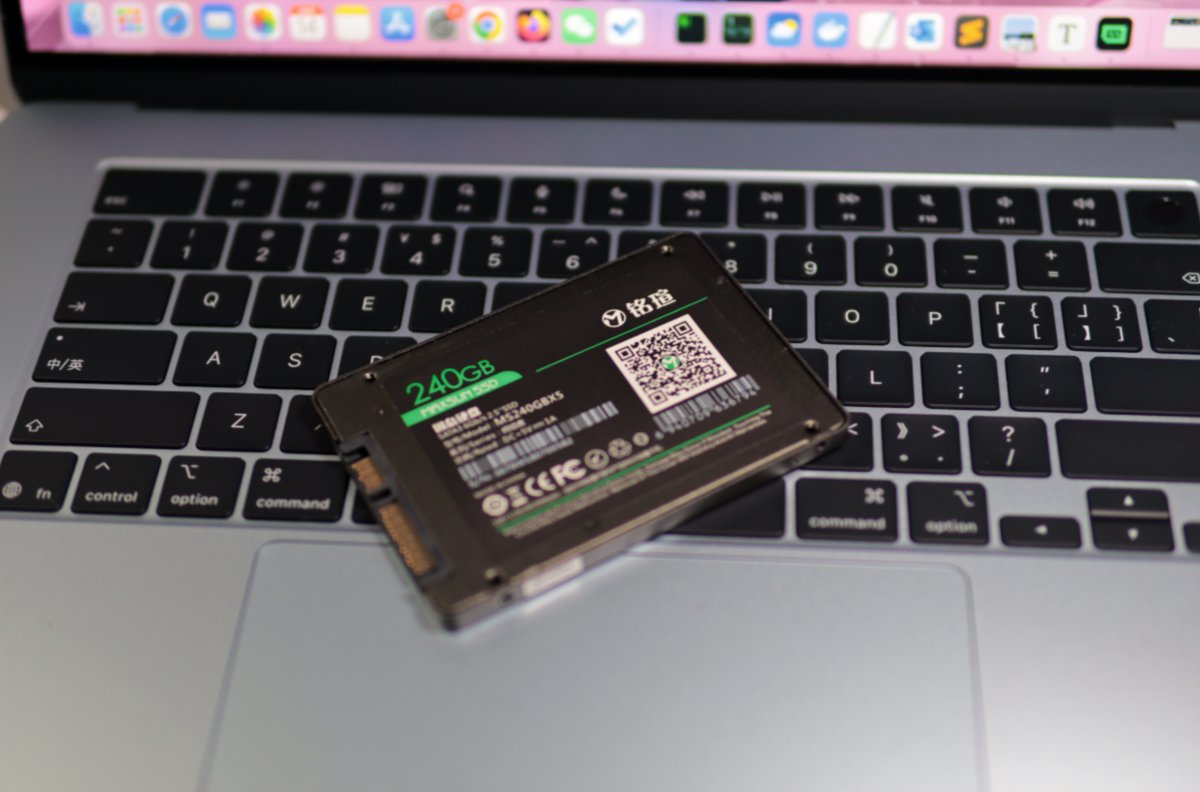
The drive I chose this time is the "Maxsun 240G SATA SSD" I bought in college
PS: Seems to be the infamous "Beggars' Sect Leader" 🤣
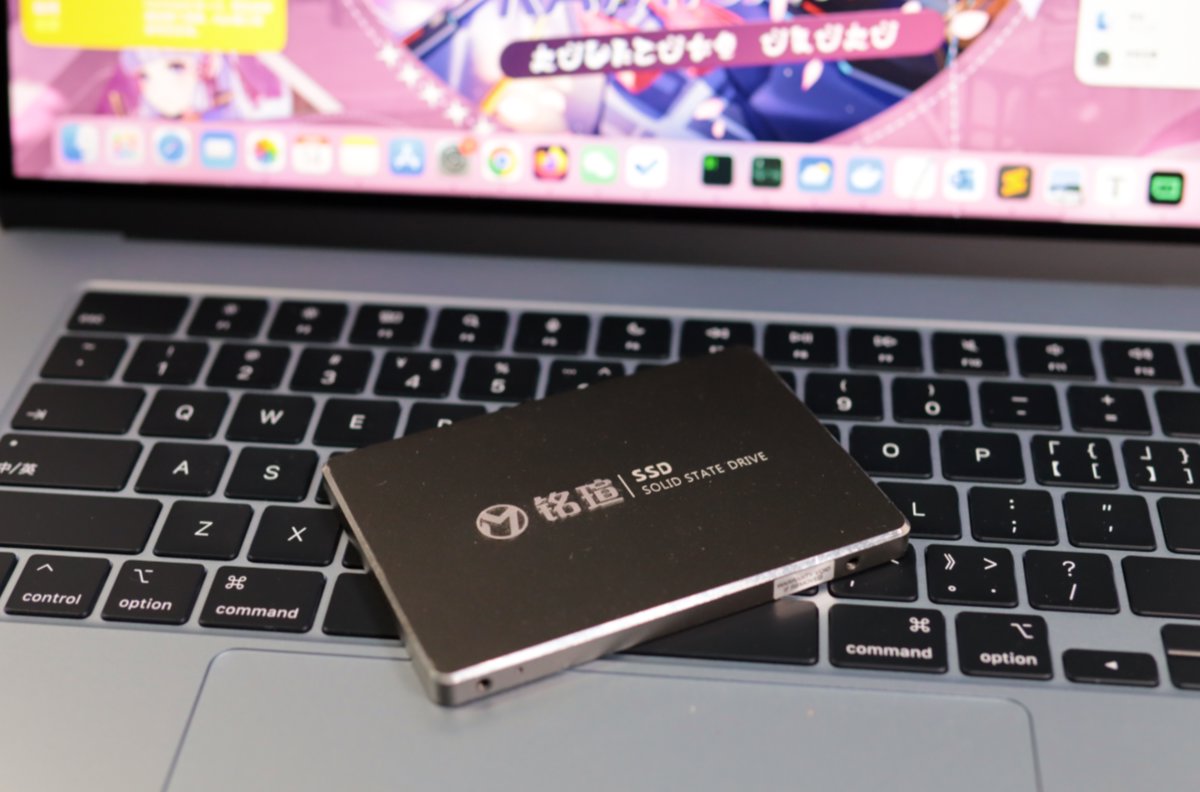
Back
Opening It Up
I have to complain about how you open this enclosure. It's similar to a sliding-cover design
It's so damn hard! I studied it for ages and only pried it open with brute force working a miracle
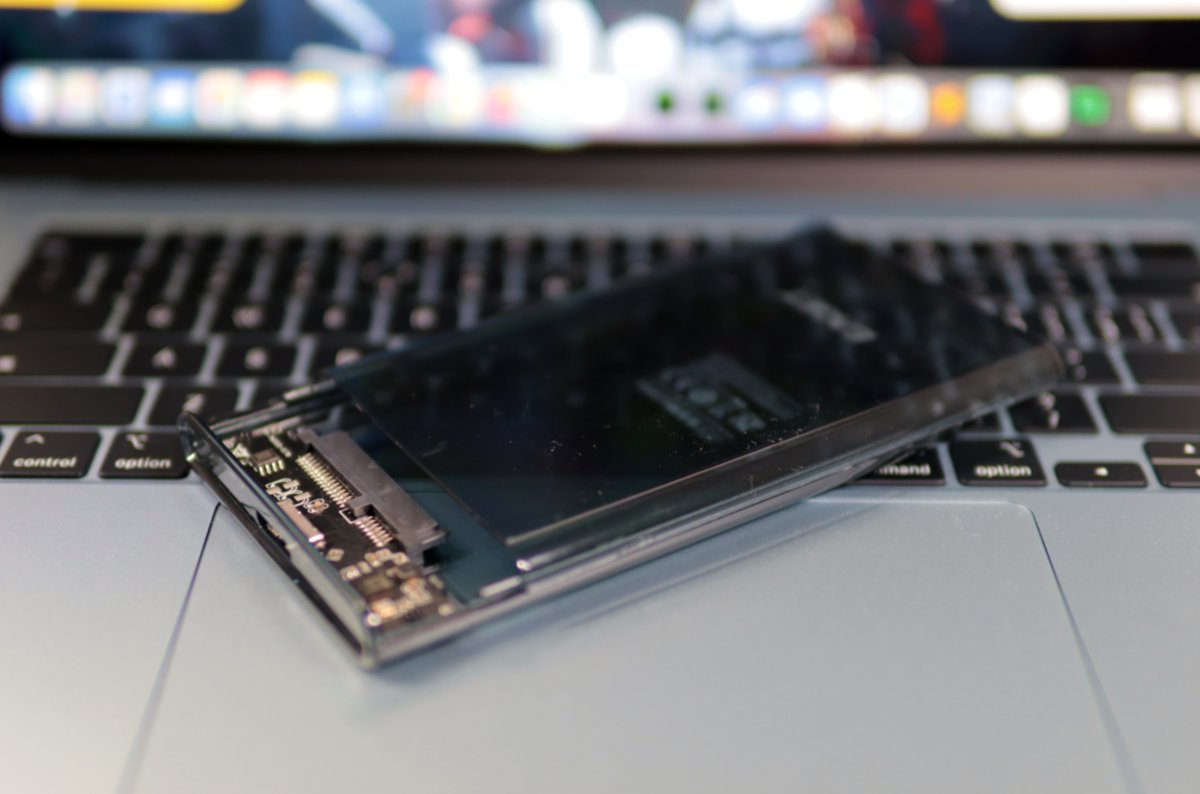
Once opened, it splits into two halves
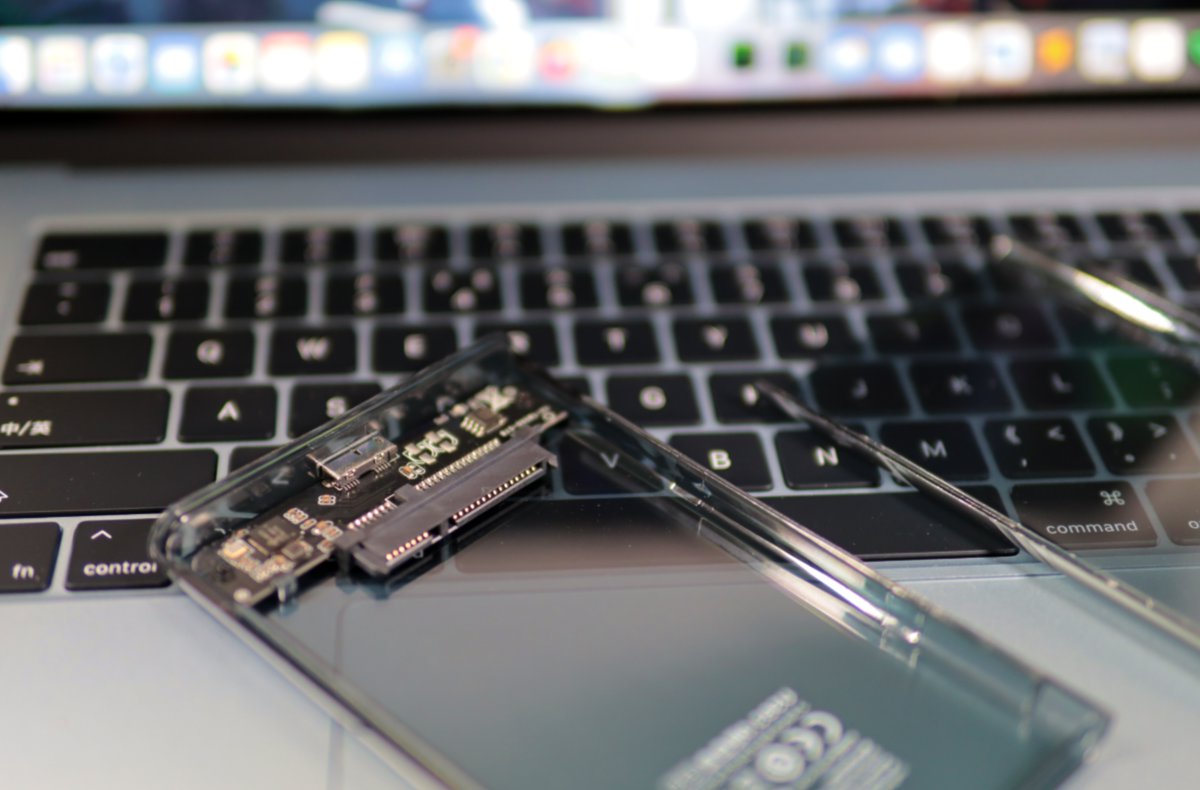
After Installation
This is how it looks after installing the drive. The sense of unity is still pretty good
Drive Info
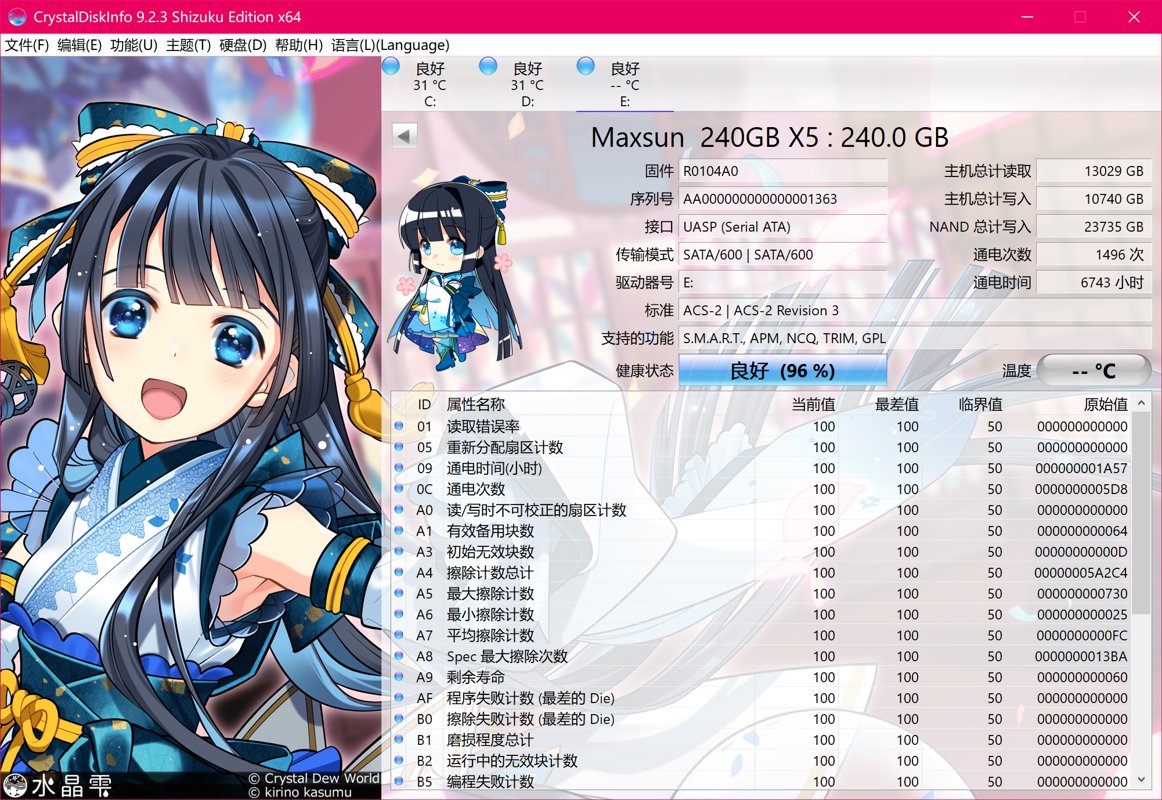
Let's take a look at this SATA SSD's info
Power-on time: 6743 hours! That's equivalent to 280 days. Used on and off until now, that's about 6–7 years. It's no exaggeration to say it's even more durable than a mechanical hard drive 🤣
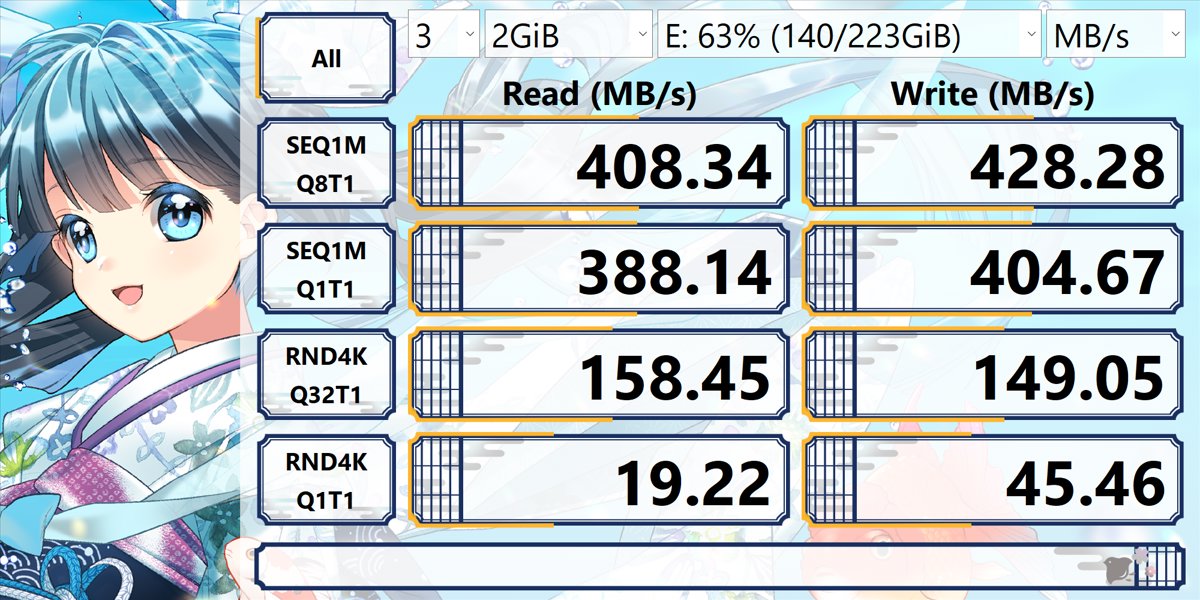
Speed Test
This speed can't compare with today's NVMe SSDs, but back in those days when most people were still on mechanical hard drives, the improvement was huge!
After switching to an SSD, the computer's boot time and everyday operations were so fast they took off~ Even today it's not outdated
Comparison
Let's compare it with another SSK enclosure I had before
This one is all-metal and quite heavy. Of course the metal texture feels a bit nicer too
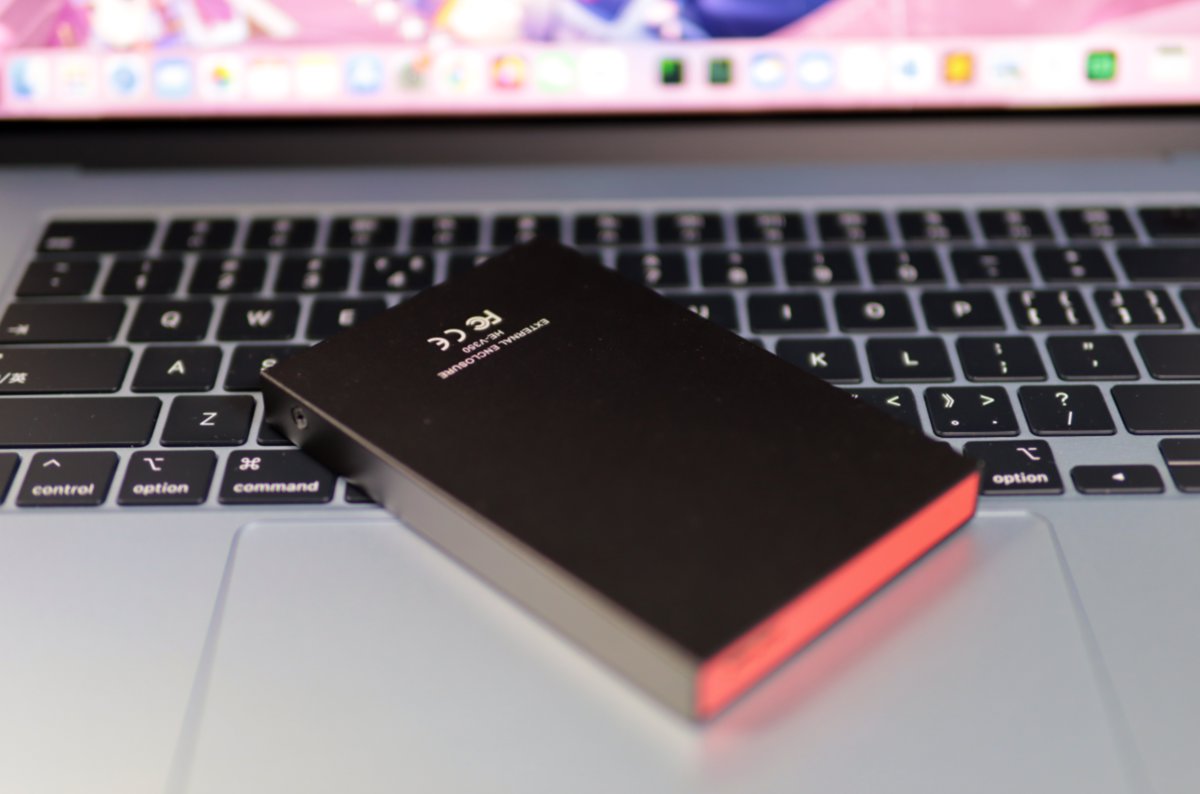
The middle part is plastic
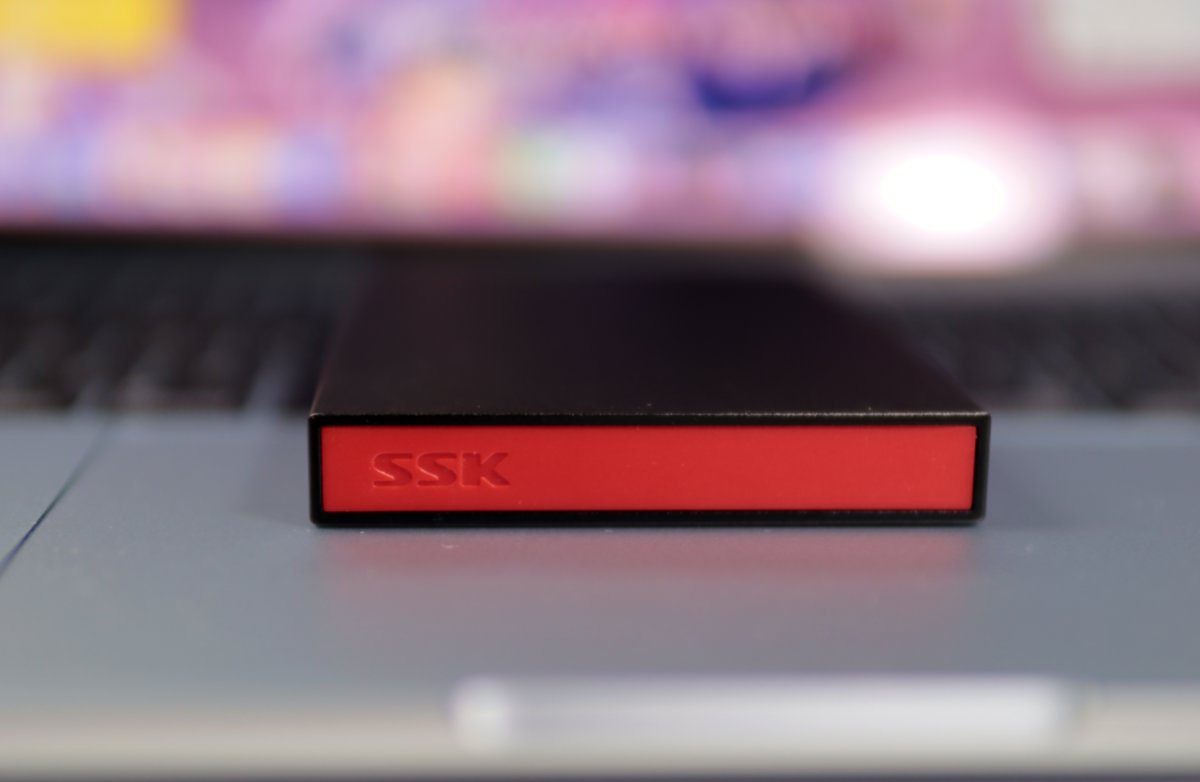
The thing about this SSK enclosure is that disassembly is rather troublesome—you have to unscrew it
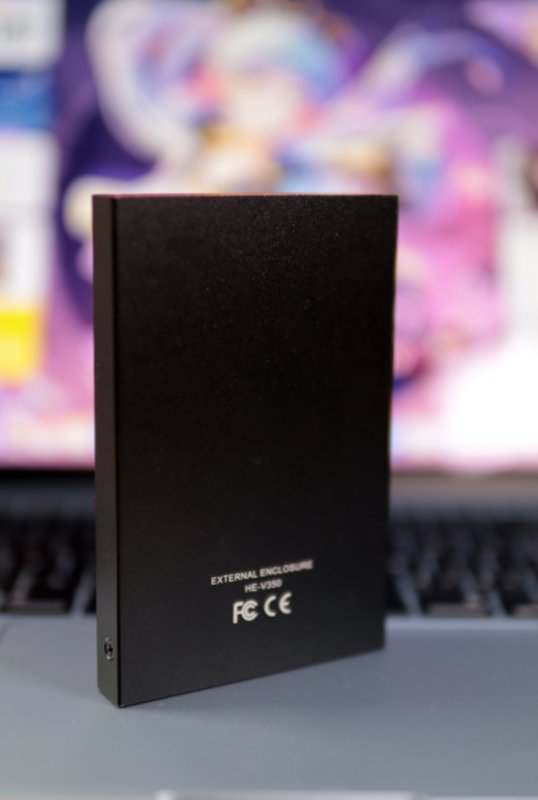
Wrap-up
The transparent HDD enclosure's advantages are obvious:
- Cheap
- Looks good
- Quick to install and remove
- You can see the internal structure (spiritual satisfaction for digital enthusiasts)
The downsides are also right there:
- The shell scratches easily
- The way you open the cover is a bit anti-human
- The plastic feel is average
But overall, for bringing an old SSD back to life, using it as an external drive or a backup disk, this price fully lives up to the performance.
_EOF_
Unboxing a Transparent 2.5-Inch HDD Enclosure: Finding a Nice Home for an Old SSD from My Student Days
- 本文作者:
- 程序设计实验室
- 版权声明:
- 本博客所有文章除特别声明外,均采用 BY-NC-SA 许可协议。转载请注明出处!
相关文章
「万物皆可开箱」京东京造SSD硬盘盒
之前买了那个最便宜的固态硬盘盒发现有兼容性问题。我就加 10 块钱换成这个京东京造的来试试
2025-10-28 · 存储 · 约 1 分钟
致钛 Ti600 4TB SSD 简单开箱
这蓝色包装还行,总算有点科技感。1483买4TB,涨价真快,早知道多囤点。NAS够用就成,测速免谈。
2025-10-28 · 存储 · 约 1 分钟
「万物皆可开箱」迷虎SSD硬盘盒开箱
没想到还是翻车了,一分钱一分货啊……
2025-10-28 · 存储 · 约 1 分钟
最近存储价格跟疯了一样,9月份买的4T SSD反而成了理财产品?
9月买的4T SSD一个月涨价15%,这玩意儿现在比数据存储还保值?当初1500元买的雷克沙,现在1700元搁那儿当理财产品了。这市场疯得比当年三星工厂起火还离谱。
2025-11-01 · 存储 · 约 1 分钟
讨论
共 0 条加载评论中…